PaperFactory#
- class augraphy.base.paperfactory.PaperFactory(texture_path='./paper_textures', blend_texture=1, blend_method='random', p=1)[source]#
Bases:
AugmentationReplaces the starting paper image with a texture randomly chosen from a directory and resized to fit or cropped and tiled to fit.
- Parameters:
texture_path (string, optional) – Directory location to pull paper textures from.
blend_texture (int, optional) – Flag to blend multiple textures.
blend_method (string, optional) – The method to blend multiple textures.
p (float, optional) – The probability that this Augmentation will be applied.
- check_paper_edges(texture)[source]#
Crop image section with better texture.
- Parameters:
texture (numpy array) – Texture image.
Overview#
PaperFactory is an augmentation specific to paper phase of the augmnentation pipeline. It applies texture into image based on a random image chosen from the provided directory.
Example#
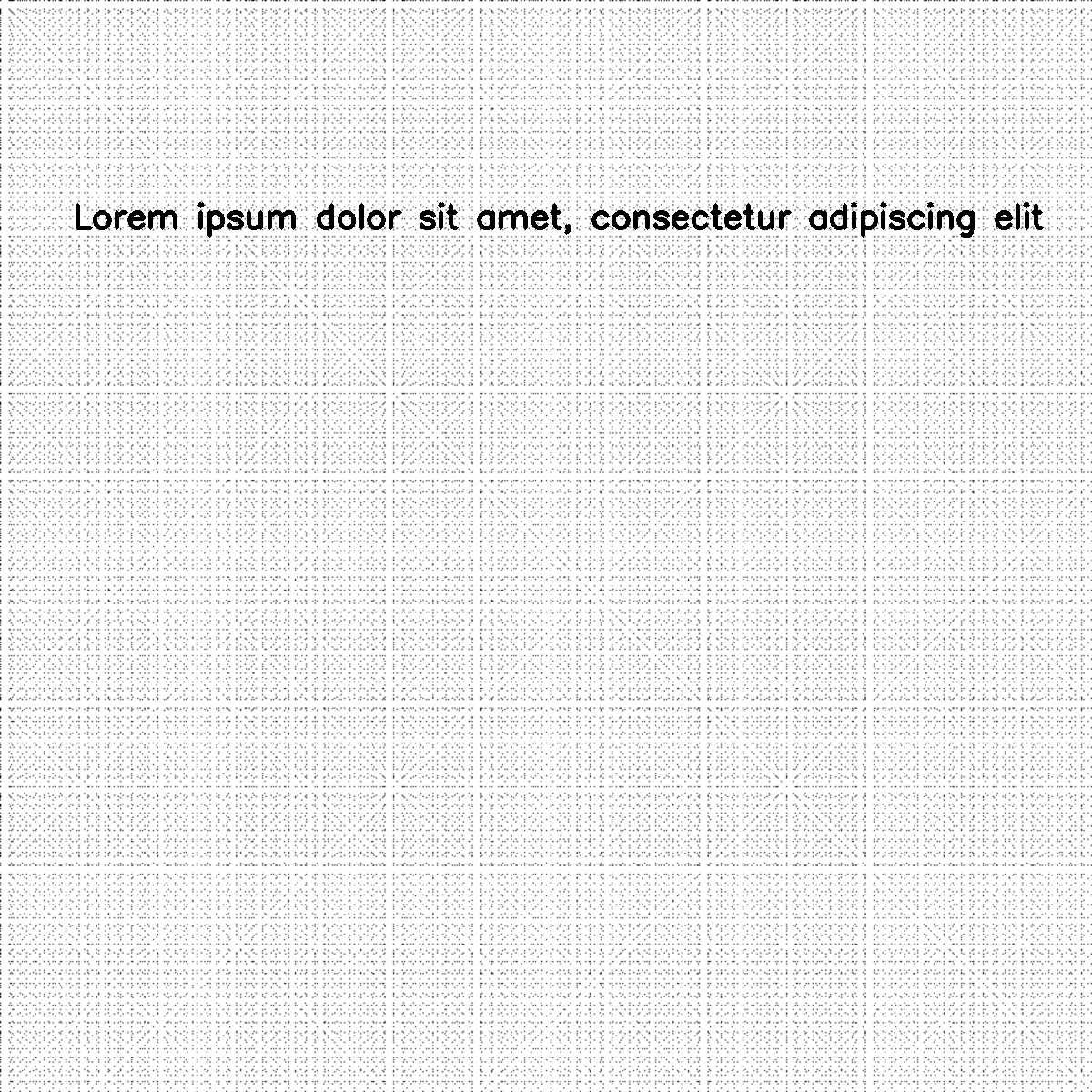
In this example, PaperFactory is use to apply texture extracted from an image in the chosen texture image directory into an input image.
# import libraries
from augraphy import *
import cv2
import numpy as np
import os

# create directory for paper texture
paper_texture_dir = os.path.join(os.getcwd(), "paper_textures/")
os.makedirs(paper_texture_dir, exist_ok = True)

# create an empty image
image_texture = np.full((1000,1000), fill_value=255, dtype="uint8")

# create texture
for i in range(5):
    i += 8
    image_texture[::i,::i] = 0

# save texture image in the paper texture directory
cv2.imwrite(paper_texture_dir+"texture.png", image_texture)


ink_phase   = []
paper_phase = [PaperFactory(texture_path=paper_texture_dir, p=1)]
post_phase  = []
pipeline    = AugraphyPipeline(ink_phase, paper_phase, post_phase)

image = np.full((1200, 1200,3), 250, dtype="uint8")
cv2.putText(
    image,
    "Lorem ipsum dolor sit amet, consectetur adipiscing elit",
    (80, 250),
    cv2.FONT_HERSHEY_SIMPLEX,
    1.2,
    0,
    3,
)

augmented_image = pipeline.augment(image)["output"]
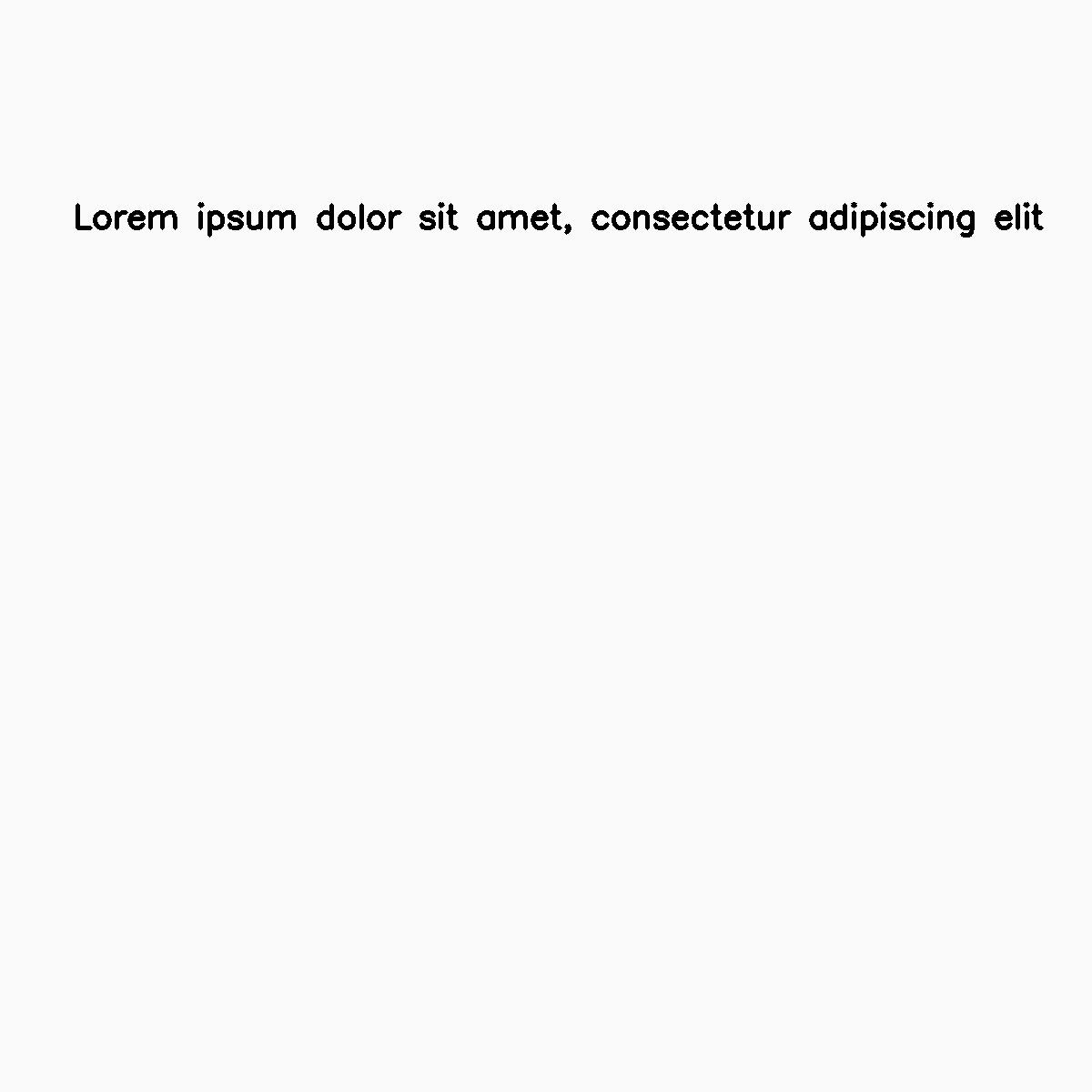
Input image:
Texture image:

Augmented image: